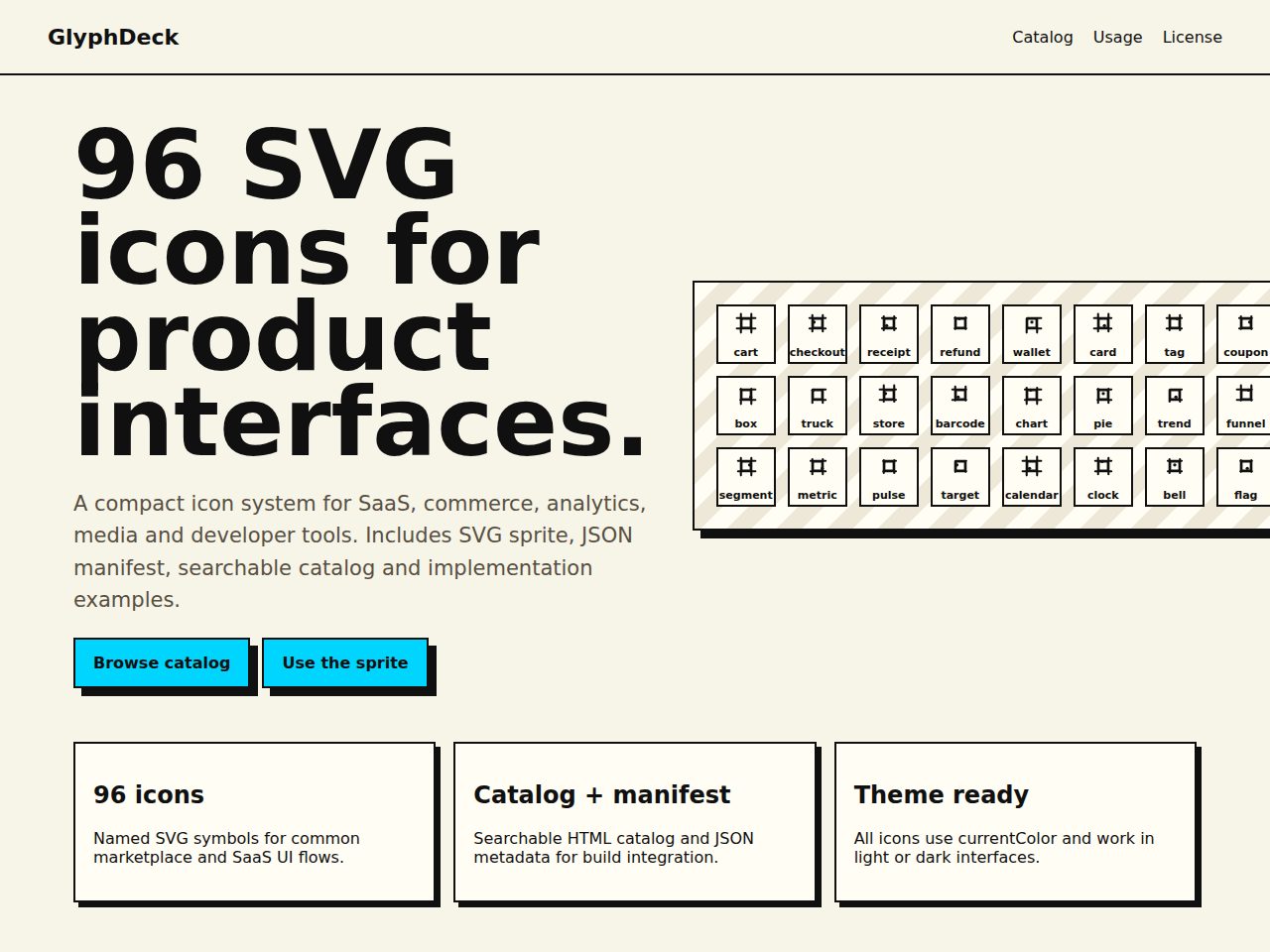
Preview and demo
Status: unchecked. Availability checks are not a security guarantee.
Description
GlyphDeck is a compact product UI icon system with 96 named SVG symbols for SaaS, commerce, analytics, media and developer tools. The package includes a searchable HTML catalog, SVG sprite, JSON manifest, usage examples and implementation notes.
Icons use currentColor, so they adapt cleanly to light, dark and branded interfaces without extra asset exports.
Features
Requirements
- Any modern browser or design workflow that supports SVG
- No server required
- No build step required
Changelog
Frequently Asked Questions
What files are included in the GlyphDeck package?
The package includes 96 named SVG symbol files, a single SVG sprite file, a searchable HTML icon catalog, a JSON manifest containing icon names and categories, and usage examples covering both inline SVG and sprite workflows. Implementation notes are also provided to help you get started quickly.
Do I need a build tool or bundler to use GlyphDeck?
No build step is required — you can drop the SVG sprite or individual SVG files directly into your project and reference them straight away. This makes GlyphDeck equally usable in plain HTML projects, no-build workflows, and fully bundled design systems.
How do the icons adapt to light mode, dark mode, and custom brand colors?
Every icon in GlyphDeck uses currentColor for its fill and stroke values, so the icons automatically inherit whatever color you set via CSS. This means a single asset works across light, dark, and branded themes without needing separate exports or additional asset variants.
Which product categories do the 96 icons cover?
The icon set is tailored for product and SaaS interfaces, with symbols spanning SaaS UI, commerce, analytics, media, and developer tool contexts. The included JSON manifest organises all 96 icons by name and category, making it straightforward to find and filter what you need.
Is GlyphDeck compatible with any specific JavaScript framework or browser?
Because the icons are standard SVG files with no proprietary dependencies, they work with any framework — React, Vue, Angular, Svelte, or plain HTML — and are supported by all modern browsers. The sprite and inline SVG usage examples provided cover the most common integration patterns.
Can I customise the icons to match my design system's style?
Yes — since the icons are plain SVG symbols that respect currentColor, you can control color entirely through CSS without editing the source files. For deeper modifications such as adjusting stroke weight or shapes, the SVG source is open to edit in any vector editor or code editor.
Automated Security Scan Passed
- Product version:
- 1.0.0
- Archive verified:
- Yes
- Scan date:
- 27 July 2026
- Malware scan:
- Passed
- Secret detection:
- Passed
- Dependency scan:
- Not applicable
- Static analysis:
- Passed
A passed automated scan does not guarantee that the software is free from every vulnerability or security risk. The result applies only to this version. View scan methodology
Technical requirements
- See the detailed requirements in the product description below.
What is included
- Component library package with full downloadable files
- Product listing and product page guidance
- Product files ready for self-hosting or integration
- 8 listed features
- Changelog included on the product page
Who is this product for
- Buyers who need a component library rather than a custom build from scratch
- Teams shopping within Icons
- Use cases aligned with icons, svg icons, ui icons, product icons
License and usage
- Regular license for one end product where end users are not charged for access to the item itself
- Extended license for one end product where end users can be charged
- Verify the exact usage rights on the selected license before deployment or client handoff
- Keep the purchase record and license certificate for future verification
Updates and support
- 6 months of seller support included
- Review the seller support scope before purchasing.
- Recent changes are visible in the product changelog
- Use the changelog to confirm ongoing maintenance before rollout
Technical details
- Current version
- 1.0.0
- Last updated
- Jul 11, 2026
- License options
- Regular, Extended
- Support period
- 6 months of seller support included
Marketplace review
Content review processNo completed marketplace review record is available for this product.
This is not a full penetration test or a guarantee that the product is vulnerability-free.
License comparison
A license is tied to one end product, not strictly to one domain. Development, staging, and the final production domain may belong to the same licensed deployment.
| Use | Regular License | Extended License |
|---|---|---|
| Source code modification | ||
| Own project use | ||
| One client project | ||
| One production deployment | ||
| Development and staging | ||
| Paid SaaS or paid user access | ||
| Multiple unrelated client projects | ||
| Redistribute source code | ||
| Resell source code |
License FAQ
Can I modify the source code?
Yes, under both licenses.
Can I use the script for a client?
Yes, for one client end product.
Can I install it on a staging domain?
Yes. Development and staging may belong to the licensed deployment.
Do I need another license for another client?
Yes, each unrelated client end product needs its own license.
Can I use it for a paid SaaS?
Yes, with an Extended License.
Can I resell the source code?
No. Standalone redistribution or resale is prohibited.
Is a license limited strictly to one domain?
No. It is tied to one end product, which may use development, staging, and production domains.
For one end product — free to end users
Item Details
- Last Update
- July 11, 2026
- Published
- June 8, 2026
- Version
- 1.0.0
- Category
- Icons
- Product Type
- Component library
- Sale Type
- Source Code License
- Sales
- 0
- Reviews
- No reviews
Buying guides
Share This Item
License Info
Regular License — Use in one end product which end users are not charged for.
Extended License — Use in one end product which end users can be charged for.
Verify a license key →