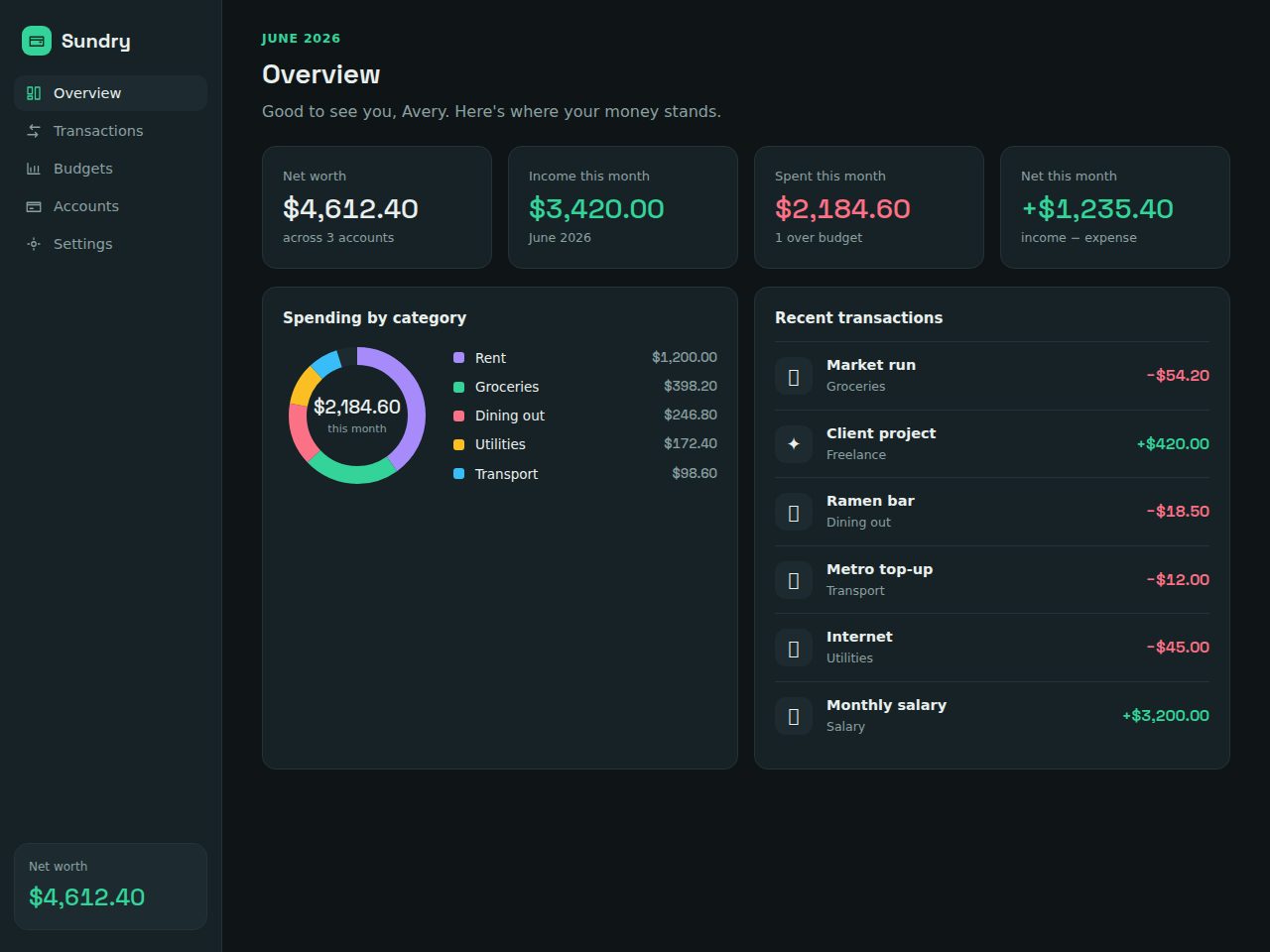
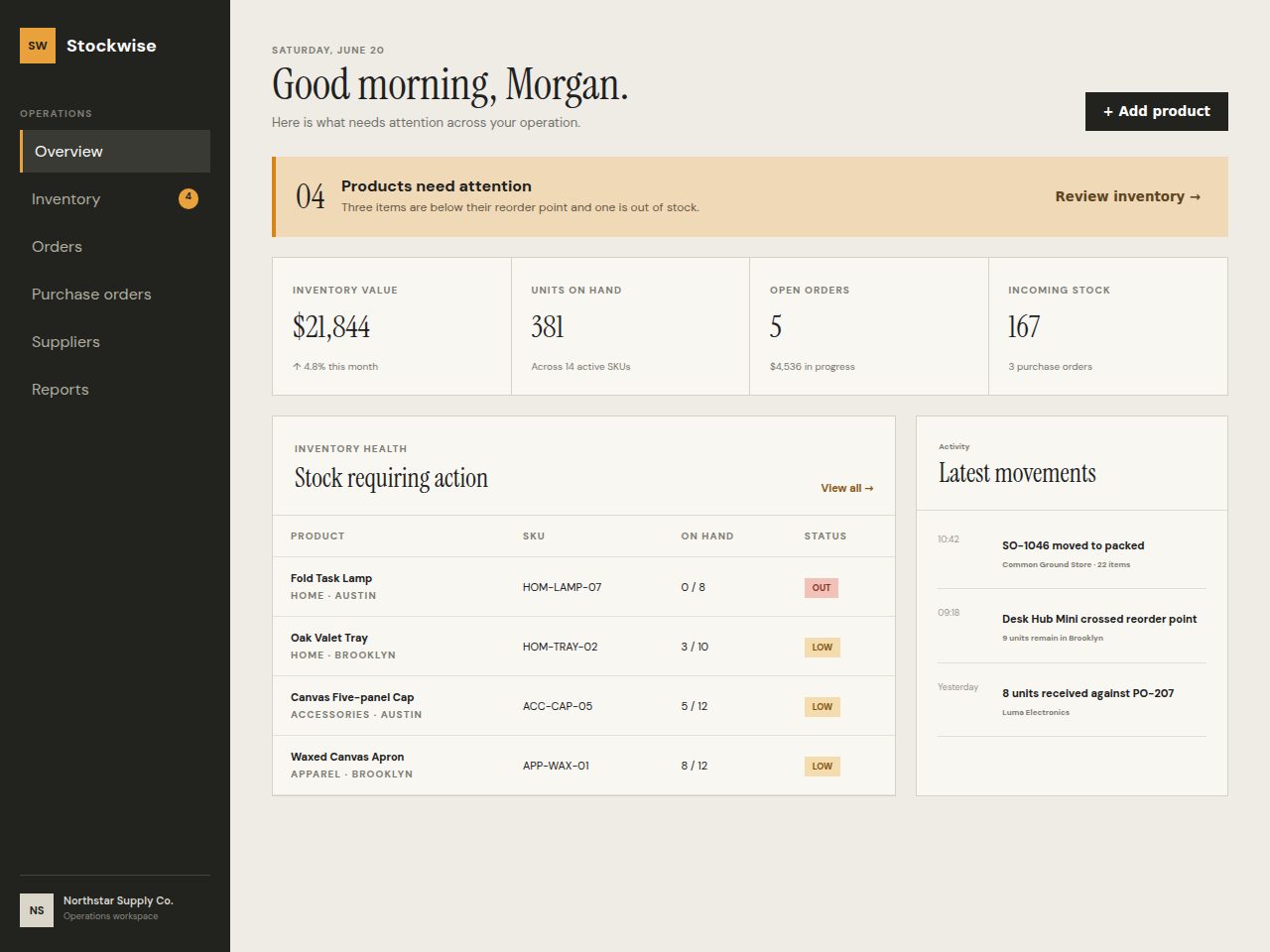
A Vue dashboard template gives you charts, tables, forms and a polished admin layout out of the box, so you can build features instead of scaffolding. This guide covers what to look for in a Vue 3 admin template and links to ready-to-use picks.
By The esdecode editorial team·Published ·Updated
Why a Vue dashboard template?
Admin panels are mostly the same parts assembled differently: a sidebar, top bar, data tables, charts, forms and modals. A good Vue dashboard template ships all of those as composable components built on Vue 3's Composition API, so you wire in your data and ship. Done well, it saves weeks of UI work and gives you a consistent, accessible interface from day one.
Vue's reactivity model makes dashboards a natural fit — bind a data source and the UI updates automatically. Templates built on Vue 3 (and often Nuxt for routing and SSR) come with state management patterns, theming and a component structure you can extend rather than fight.
What to look for
Vue 3 + Composition API. Modern, maintainable code — avoid templates still stuck on the Options API or Vue 2.
The components you need. Data tables with sorting/pagination, chart wrappers, form controls, modals and a responsive layout shell.
Clean structure and docs. A clear folder layout, documented props and theming so onboarding is quick.
TypeScript support if your team uses it — many quality templates ship typed.
Vue dashboard template vs. UI library vs. building your own
Factor
Vue template
UI library only
Build your own
Time to launch
Days
Weeks
Weeks–months
Layout included
Yes
No
No
Charts & tables
Pre-built
Some
DIY
Theming
Ready
Manual
Manual
Cost
Low (one-time)
Free–low
Developer time
Consistency
High
Varies
Varies
How we choose
Picks are selected from the esdecode catalogue by relevance to this topic, then ranked by sales and customer rating. Every product listed here is sold on esdecode — we don't feature third-party affiliate links, and the live grid updates as the catalogue changes. Any external prices or competitor terms mentioned are noted with the date they were checked.
Most Vue dashboard templates are structured to talk to your own API. Connect them to a self-hosted back end from Laravel or a Node.js service, map your endpoints to the table and chart components, and you have a working admin in days. If you also need a marketing site, pair the dashboard with an HTML SaaS template for a consistent look.
Vue vs. React for dashboards
Both are excellent. Vue tends to have a gentler learning curve and very readable single-file components, while React has the larger ecosystem. If your team is React-first, see our React category instead; the dashboard concepts are the same.
Where to start
Choose a template whose included components match your app's core screens, confirm it's Vue 3, and check the demo for the data table and chart quality — those are the parts you'll use most. Explore everything in the marketplace.
The recommended templates use Vue 3 and the Composition API. Each product page states the Vue version and whether it uses Nuxt, so you can avoid outdated Vue 2 templates.
Do Vue dashboard templates include charts and tables?
Quality templates include data tables with sorting and pagination plus chart components. Check the product demo to confirm the specific components included.
Can I connect a template to my own API?
Yes. Templates are structured to consume your own back end. Pair them with a Laravel or Node.js API and map your endpoints to the components.
Do they support TypeScript?
Many do. The product page indicates whether the template ships TypeScript or plain JavaScript.
Is a commercial license included?
Yes. Each template includes a commercial license and full source. Review the license tab for single versus extended usage.