esdecode.com
Best of

Best Self-Hosted Laravel Scripts (2026)

Self-hosted Laravel scripts let you launch a real, revenue-ready application without paying monthly SaaS fees or surrendering your data. This guide explains what separates a great Laravel script from a risky one, compares the main types, and links to vetted, ready-to-run picks you can deploy today.

Why choose a self-hosted Laravel script?

Laravel is the most popular modern PHP framework, and for good reason: clean MVC structure, Eloquent ORM, migrations, queues, a mature ecosystem and excellent documentation. When you buy a self-hosted Laravel script, you get a complete application you can run on your own hosting — shared, VPS or cloud — with full ownership of the source code and the database. There are no per-seat charges, no usage caps, and no vendor that can change the rules or shut your product down.

Compared with a SaaS subscription, the maths is simple. A typical SaaS marketplace or booking tool costs $50–$300 per month indefinitely. A one-time Laravel script purchase pays for itself within months and then keeps earning. Because the code is yours, you can re-brand it, add a payment gateway, wire in your own API, or hire any Laravel developer to extend it — you're never locked in.

What to look for

Not every script is built to the same standard. The four things that matter most over the life of a project:

  • Readable, unencrypted code. Quality scripts ship clean Laravel code with a clear folder structure and real documentation. Avoid encrypted or obfuscated source — you can't fix or extend what you can't read.
  • Real payments and payouts. If money moves between buyers and multiple sellers, the script needs proper Stripe (or similar) integration with destination charges or transfers — not a single "collect to one account" hack.
  • Search, moderation and an admin panel. You need categories, status workflows (draft / pending / published), reviews and tools to approve or reject content.
  • Security fundamentals. CSRF protection, input sanitisation, prepared queries and capability checks are non-negotiable in any script that touches user data.

For a deeper checklist, see our guide on the best PHP scripts for marketplaces and the wider Laravel category.
At a glance

Self-hosted Laravel script vs. SaaS vs. building from scratch

FactorLaravel scriptSaaS subscriptionBuild from scratch
Upfront costLow (one-time)NoneVery high
Ongoing costHosting onlyMonthly foreverMaintenance
Time to launchDaysHoursMonths
Data ownershipFullLimitedFull
CustomisableYes — full sourceNo / limitedYes
Vendor lock-inNoneHighNone

Common types of Laravel script

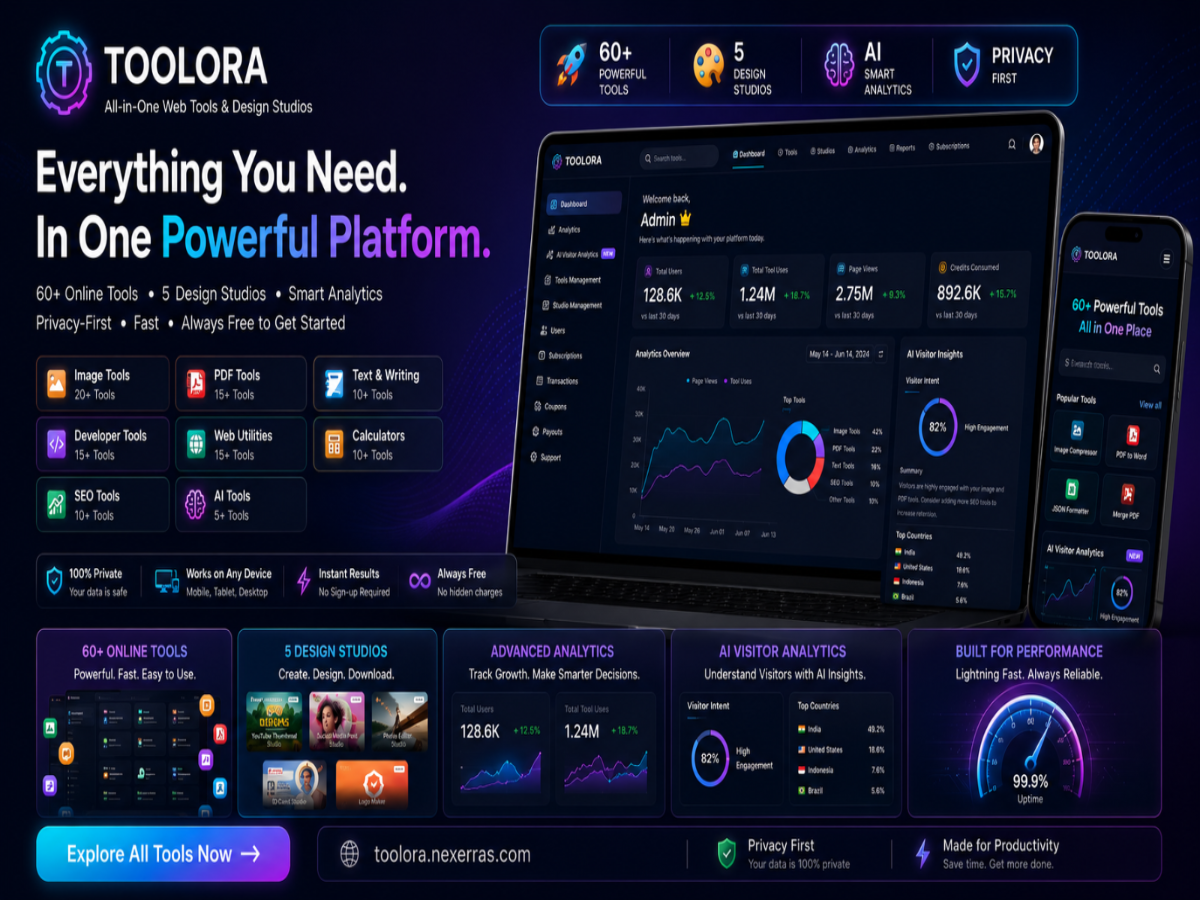
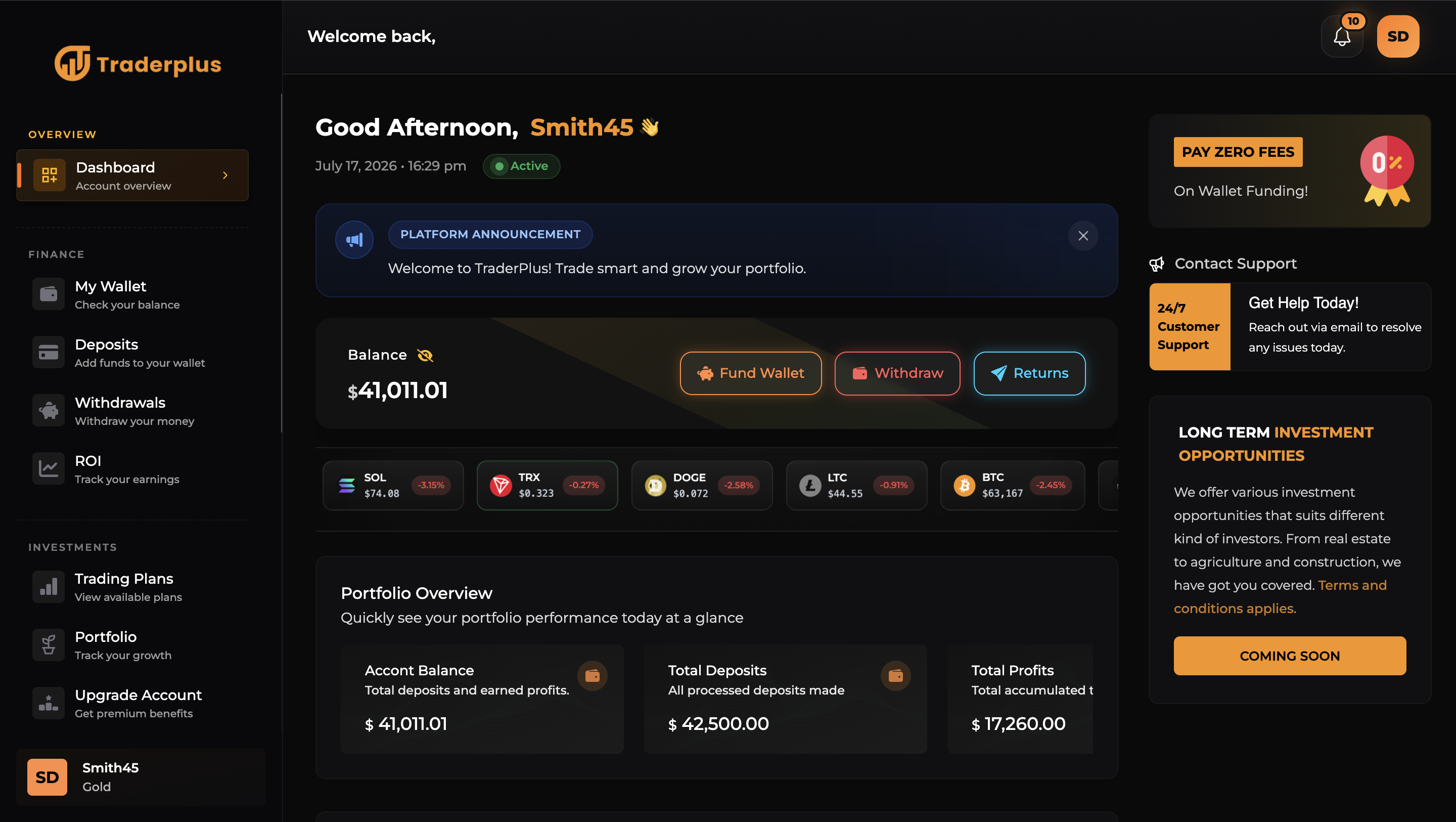
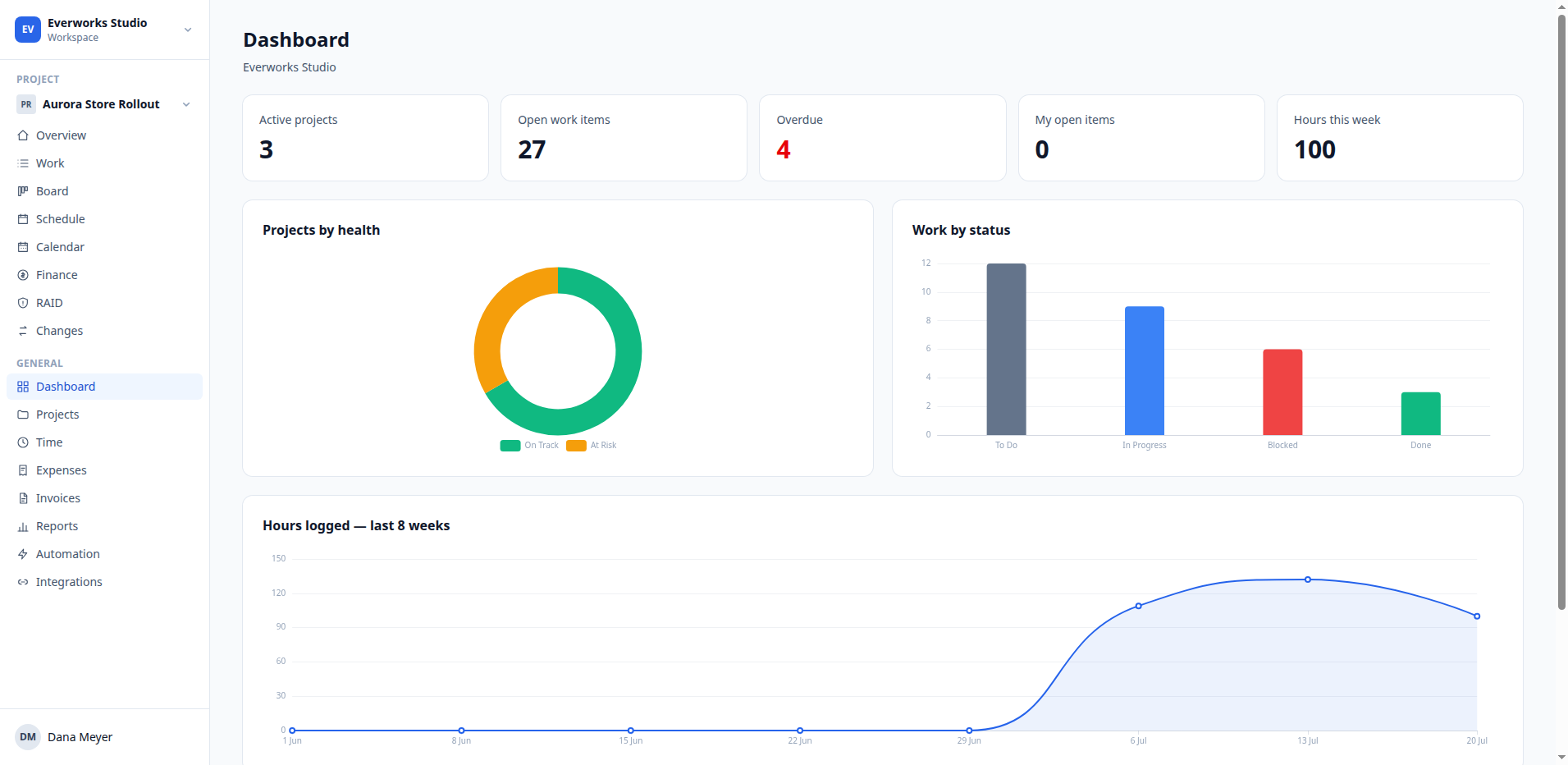
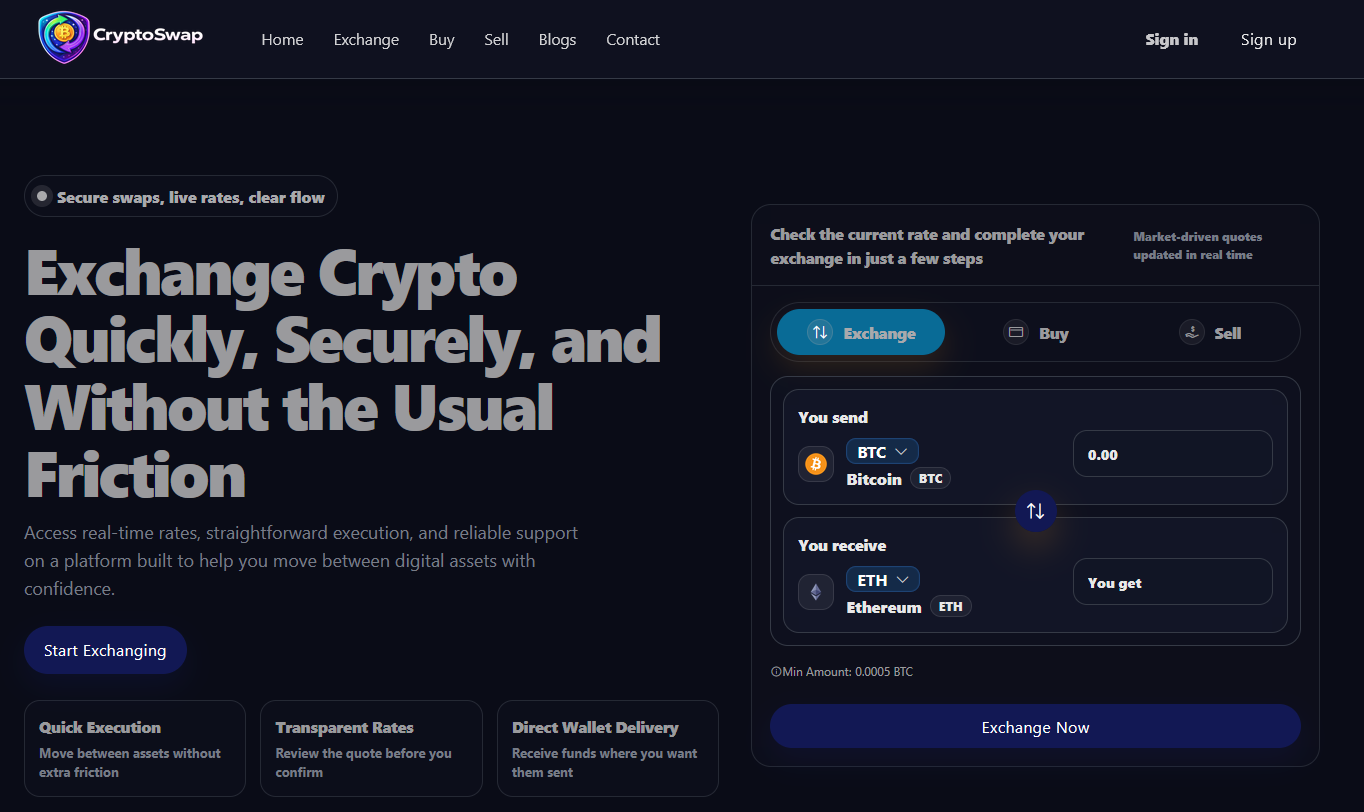
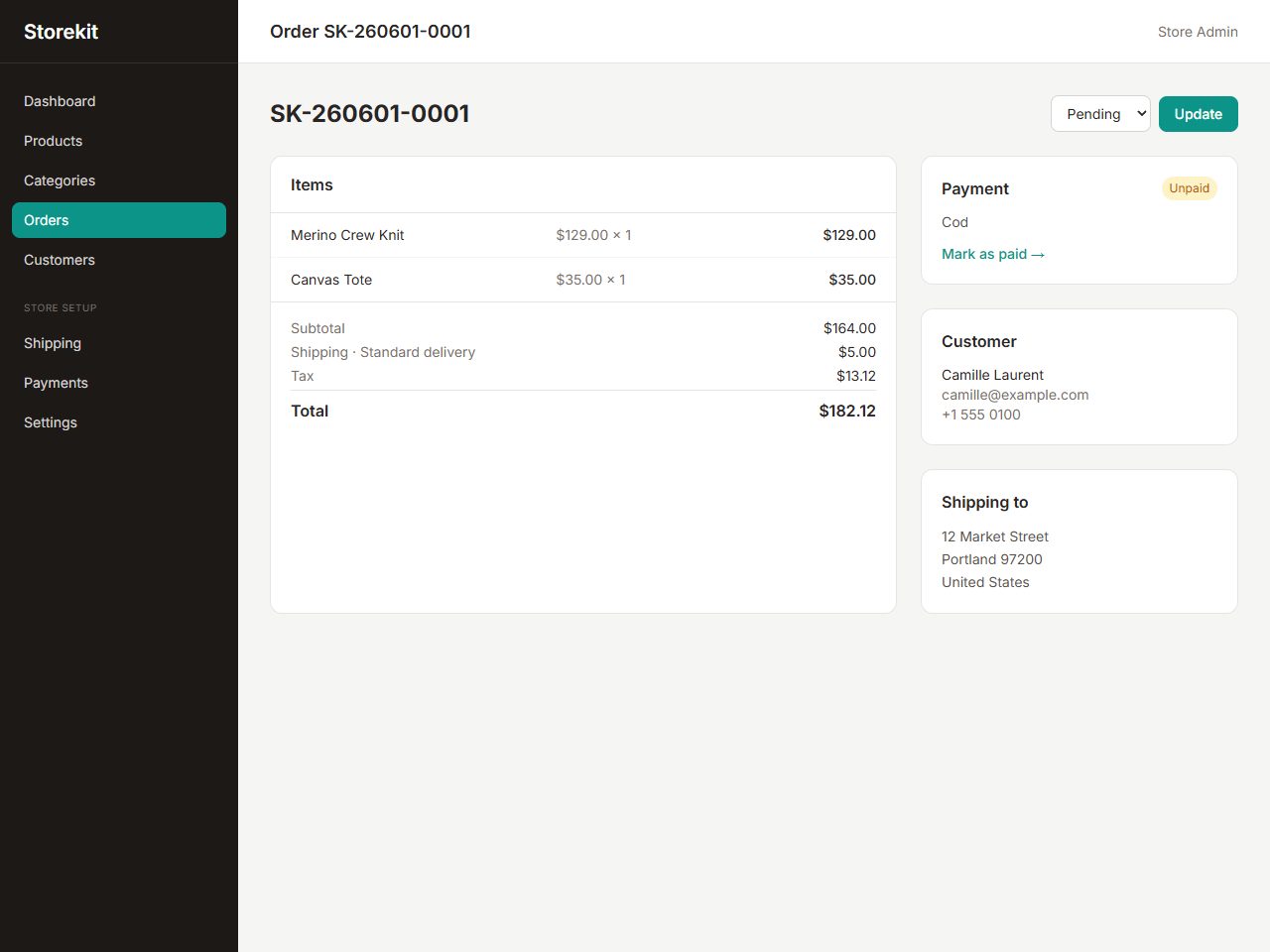
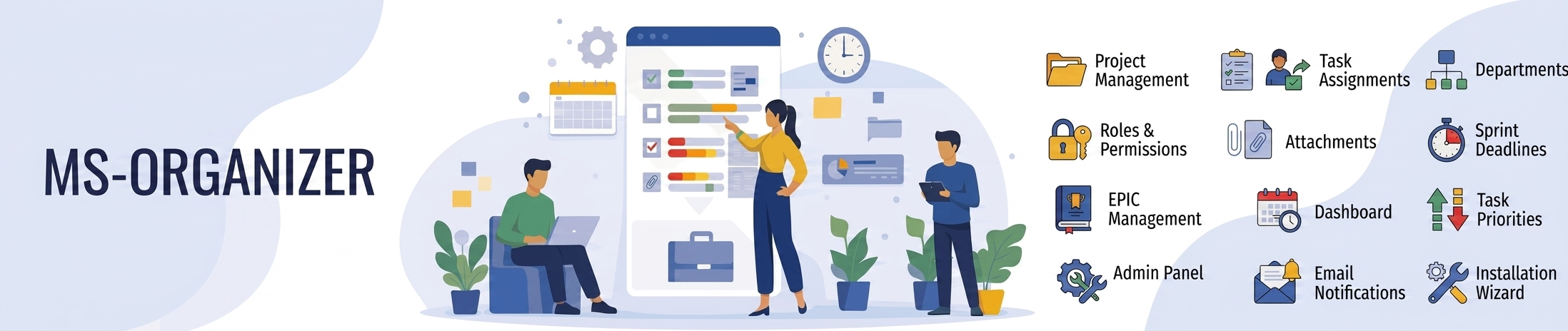
The picks above span the most in-demand categories. Multi-vendor marketplaces handle listings, commissions and seller payouts — the most complex and valuable type. E-commerce stores focus on a single seller with catalogue, cart and checkout. Booking and reservation systems manage availability, calendars and deposits for services, rentals or appointments. Project management and helpdesk tools cover internal operations. Browse them all under PHP Scripts.

Deployment checklist

Most Laravel scripts need PHP 8.1+, Composer, a MySQL or MariaDB database, and a standard LAMP/LEMP stack. After uploading, you'll typically copy .env.example to .env, set your database credentials and app key, run php artisan migrate --seed, and point your web server at the public/ directory. Every product page lists exact requirements and includes step-by-step docs.

Final recommendation

Start from a focused script you can actually read and understand rather than the one with the longest feature list. Pair it with a clean front end from HTML templates or a Vue / React dashboard, and you have a production stack you fully own. Explore everything in the marketplace to round out your build.

Frequently asked questions

What is a self-hosted Laravel script?

It's a complete PHP application built on the Laravel framework that you host on your own server. You get the full source code and database, so you own the data and can customise everything — no monthly SaaS fees.

Do I need to know Laravel to use one?

No. Most scripts install with a guided setup and an admin panel for day-to-day use. Knowing Laravel (or hiring a Laravel developer) helps if you want to customise or extend the code.

What server do I need?

Typically PHP 8.1 or newer, Composer, a MySQL/MariaDB database and a standard LAMP or LEMP stack. Each product lists its exact requirements.

Are Laravel scripts cheaper than SaaS?

Usually yes over time. A one-time purchase plus hosting replaces an indefinite monthly subscription, so a script often pays for itself within a few months.

Can I use a Laravel script commercially?

Yes. Each script includes a license permitting commercial use. Check the license tab on the product page for single-application versus extended terms.