Beacon — Announcement Bar & Notice Widget for WordPress
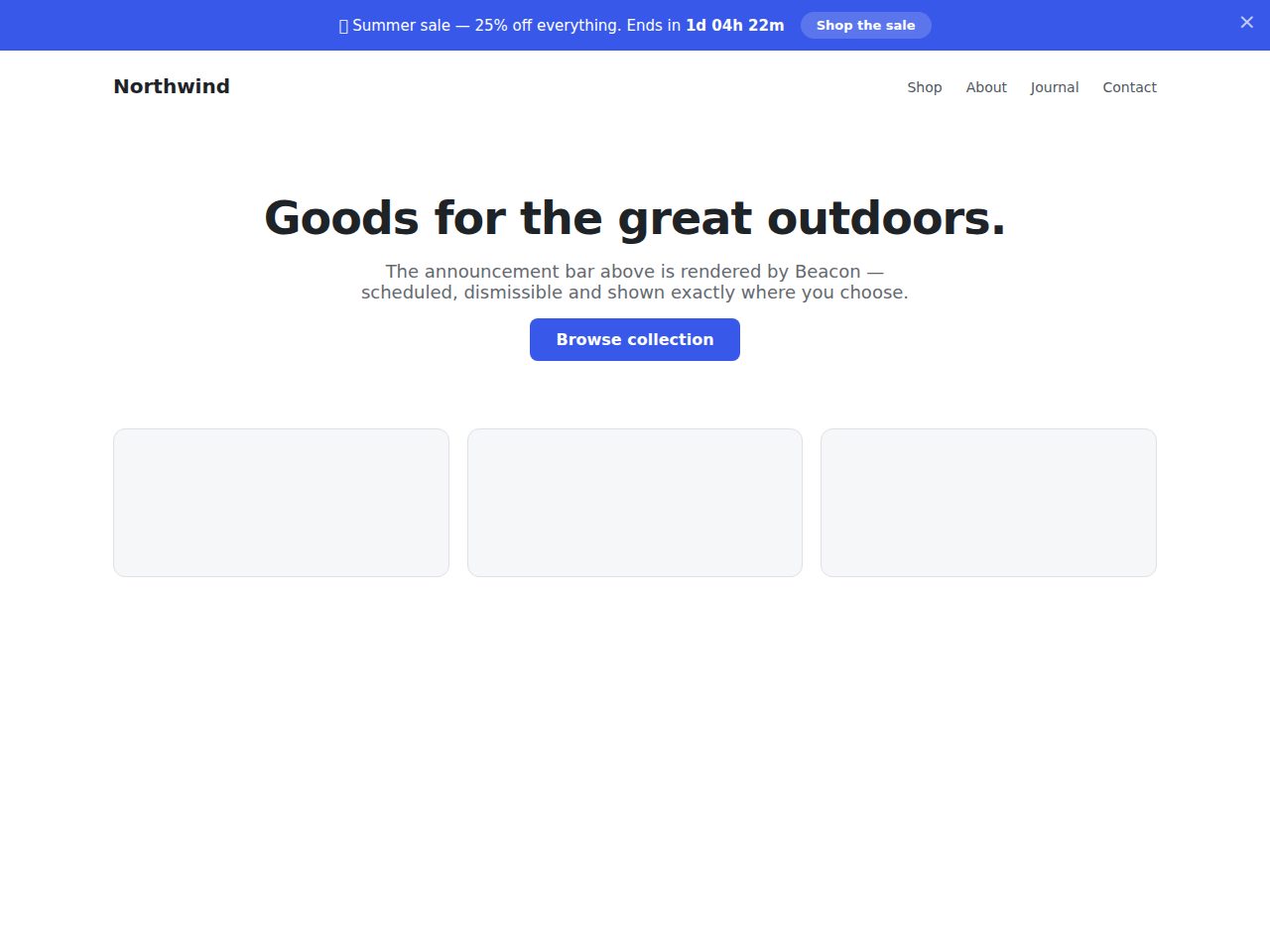
Preview and demo
Status: unchecked. Availability checks are not a security guarantee.
Description
Beacon adds lightweight, good-looking announcement bars and notice widgets to any WordPress site — announce a sale, a shipping deadline, a new release or a cookie notice, and control exactly when and where each one appears.
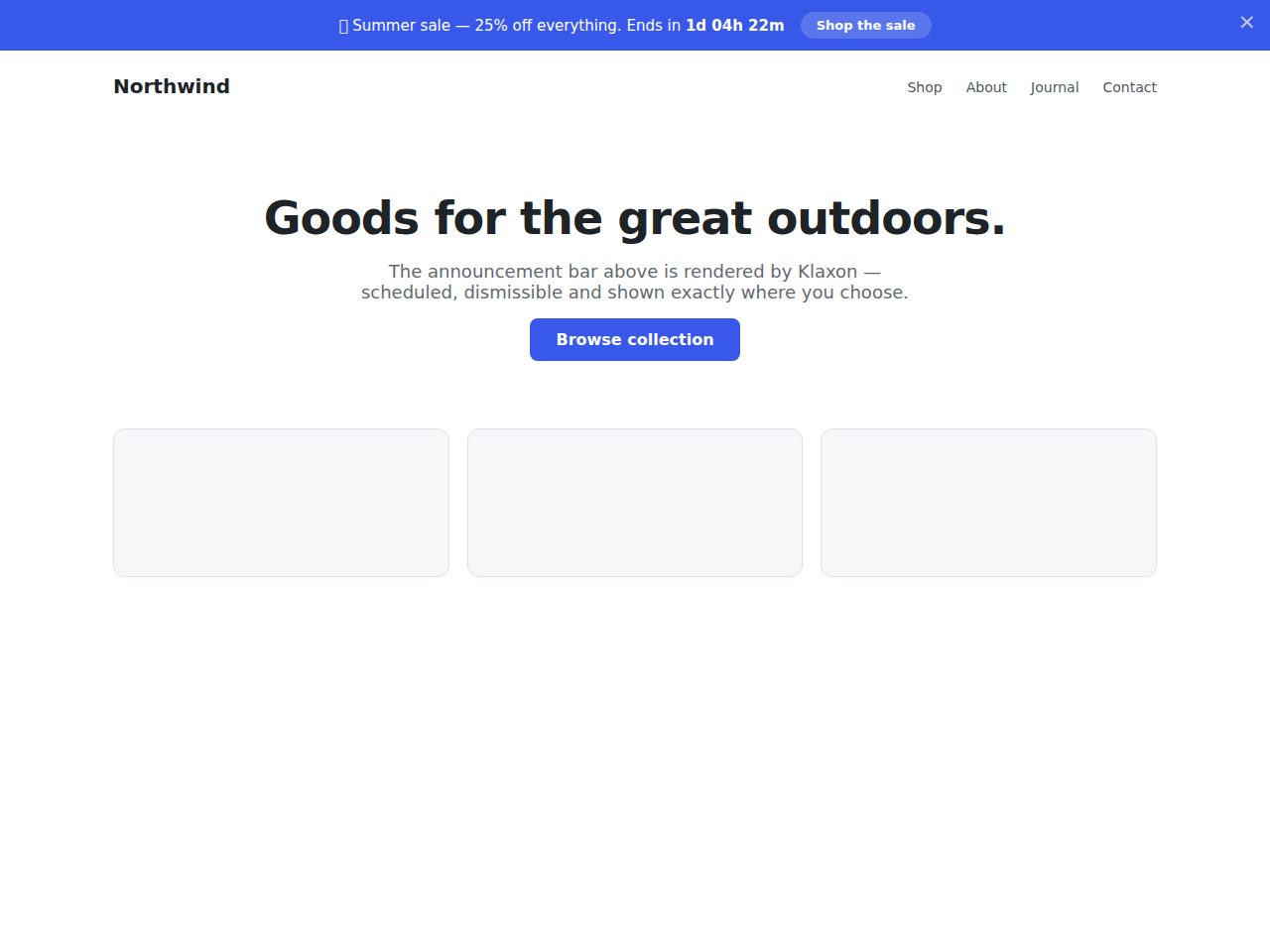
Build as many bars as you need with a message, call-to-action button and colors; position them top or bottom; schedule a start and end time with an optional live countdown; and target the whole site, front page, posts or pages. Bars display automatically in the footer or inline via the [beacon id="12"] shortcode.
Highlights
- WordPress 6.2+ · PHP 8.0+ — clean, namespaced, standards-first code.
- Multiple bars with priority ordering; top or bottom position.
- Start/end scheduling with optional live countdown timer.
- Target entire site, front page, posts or pages.
- Dismissible with cookie memory (configurable days).
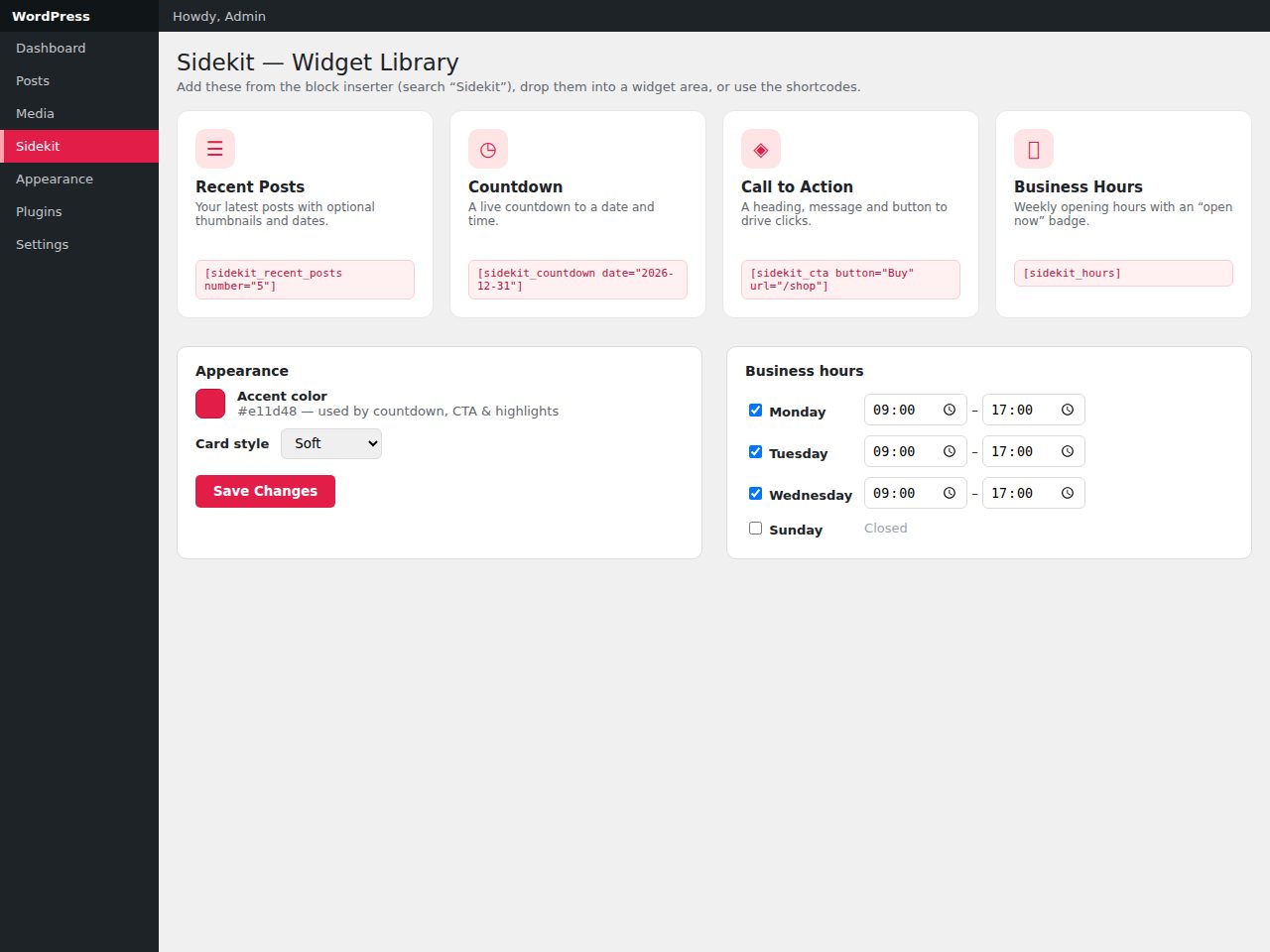
- Shortcode + automatic footer display; clean uninstall.
Features
Requirements
- WordPress 6.2+
- PHP 8.0+
- No build step or third-party service
Changelog
Frequently Asked Questions
What are the minimum server and WordPress requirements to run Beacon?
Beacon requires WordPress 6.2 or higher and PHP 8.0 or higher. It is built with clean, namespaced, standards-first code, so no page-builder or third-party framework is needed — just a standard WordPress install meeting those versions.
Can I show different announcement bars on different pages, or does it have to display site-wide?
Beacon supports flexible page targeting, letting you show each bar across the entire site, on the front page only, or on specific posts or pages. You can create unlimited bars and give each one its own targeting rule, so different audiences see only the messages relevant to them.
How does scheduling work, and can visitors see a live countdown to my deadline?
Each bar has its own optional start and end date/time, so you can schedule a sale or shipping-deadline notice to go live and expire automatically. You can also enable a live countdown timer on any bar, giving visitors a real-time display of how long is left before the deadline.
Can visitors dismiss a bar, and will it stay dismissed when they return to the site?
Yes — each bar can be made dismissible, and Beacon uses a browser cookie to remember the visitor's choice for a configurable number of days. Once dismissed, the bar will not reappear until that cookie expires, preventing the same visitor from seeing it repeatedly.
How do I display a bar inside a post or template rather than waiting for the automatic footer output?
Beacon provides a shortcode — [beacon id="12"] — that you can drop into any post, page, or template to render a specific bar exactly where you want it. Bars are also displayed automatically via a footer hook if you prefer a hands-off approach without editing templates.
Will Beacon leave anything behind in my database if I decide to uninstall it?
Beacon is built with a clean uninstall routine that removes its data from your database when you delete the plugin. The uninstall process includes an option to control whether plugin data is removed, so you stay in full control of your site's data.
Automated Security Scan Passed
- Product version:
- 1.0.0
- Archive verified:
- Yes
- Scan date:
- 27 July 2026
- Malware scan:
- Passed
- Secret detection:
- Passed
- Dependency scan:
- Not applicable
- Static analysis:
- Passed
A passed automated scan does not guarantee that the software is free from every vulnerability or security risk. The result applies only to this version. View scan methodology
Technical requirements
- See the detailed requirements in the product description below.
What is included
- Plugin package with full downloadable files
- Product listing and product page guidance
- Product files ready for self-hosting or integration
- 10 listed features
- Changelog included on the product page
Who is this product for
- Buyers who need a plugin rather than a custom build from scratch
- Teams shopping within Widgets
- Use cases aligned with announcement bar, notification bar, notice, hello bar
License and usage
- Regular license for one end product where end users are not charged for access to the item itself
- Extended license for one end product where end users can be charged
- Verify the exact usage rights on the selected license before deployment or client handoff
- Keep the purchase record and license certificate for future verification
Updates and support
- 6 months of seller support included
- Review the seller support scope before purchasing.
- Recent changes are visible in the product changelog
- Use the changelog to confirm ongoing maintenance before rollout
Technical details
- Current version
- 1.0.0
- Last updated
- Jul 11, 2026
- License options
- Regular, Extended
- Support period
- 6 months of seller support included
Marketplace review
Content review processNo completed marketplace review record is available for this product.
This is not a full penetration test or a guarantee that the product is vulnerability-free.
License comparison
A license is tied to one end product, not strictly to one domain. Development, staging, and the final production domain may belong to the same licensed deployment.
| Use | Regular License | Extended License |
|---|---|---|
| Source code modification | ||
| Own project use | ||
| One client project | ||
| One production deployment | ||
| Development and staging | ||
| Paid SaaS or paid user access | ||
| Multiple unrelated client projects | ||
| Redistribute source code | ||
| Resell source code |
License FAQ
Can I modify the source code?
Yes, under both licenses.
Can I use the script for a client?
Yes, for one client end product.
Can I install it on a staging domain?
Yes. Development and staging may belong to the licensed deployment.
Do I need another license for another client?
Yes, each unrelated client end product needs its own license.
Can I use it for a paid SaaS?
Yes, with an Extended License.
Can I resell the source code?
No. Standalone redistribution or resale is prohibited.
Is a license limited strictly to one domain?
No. It is tied to one end product, which may use development, staging, and production domains.
For one end product — free to end users
Item Details
- Last Update
- July 11, 2026
- Published
- June 11, 2026
- Version
- 1.0.0
- Category
- Widgets
- Product Type
- Plugin
- Sale Type
- Source Code License
- Sales
- 0
- Reviews
- No reviews
Buying guides
Share This Item
License Info
Regular License — Use in one end product which end users are not charged for.
Extended License — Use in one end product which end users can be charged for.
Verify a license key →